
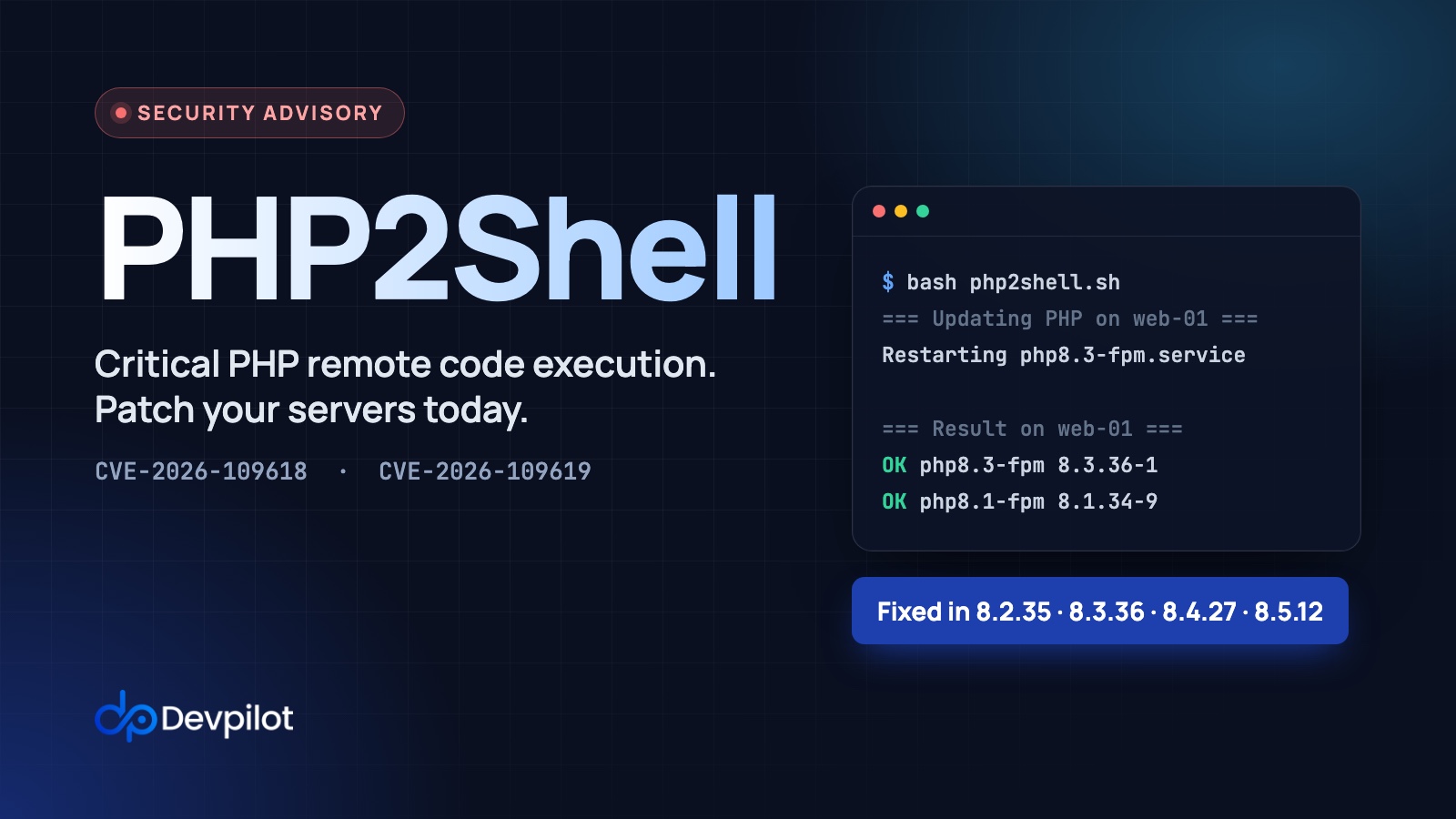
PHP2Shell: how to patch PHP on your servers (CVE-2026-109618, CVE-2026-109619)
The short version. Two critical bugs in PHP itself, CVE-2026-109618 and CVE-2026-109619 (known together as “PHP2Shell”), can let an attacker run code on your server just by sending it crafted web requests. They don’t need a login or a bug in your app, and attacks have already started. If any of your servers runs PHP, update PHP today, then restart PHP-FPM and your queue workers. On a server set up by Devpilot that takes a couple of minutes, and the script below does it on all your servers at once.
What happened
On 21 October 2026 the PHP project released fixes for two critical vulnerabilities, each rated 9.2 out of 10 (CVSS v4):
- CVE-2026-109618, “RCE via OOM corruption”. If PHP runs out of memory at the wrong moment, it leaves its own internal data half-built, and its clean-up code then trusts that broken data.
- CVE-2026-109619, “RCE via stale global state”. Data from one request can survive after its memory has been freed. A later request handled by the same PHP worker can then use it.
In plain terms, a crafted request, such as an oversized or malformed file-upload form, can push PHP into a broken state. A follow-up request then uses that state to take over the PHP process. From there an attacker can run commands as your web server user. That user can read your .env file, with its database passwords and API keys, and plant a backdoor.
Attacks are underway.
- Amazon’s threat intelligence team recorded an exploit attempt on 17 October, four days before the fix was published. It reports that PHP2Shell is now “broadly exploited in the wild”.
- The US cybersecurity agency CISA has urged everyone to patch immediately.
Are you affected?
Every PHP installation that serves web requests is affected until it is updated: PHP-FPM, Apache with mod_php, php-cgi, FrankenPHP and LiteSpeed. That includes Laravel, WordPress, Symfony and plain PHP sites.
On servers set up with Devpilot:
- PHP is installed from the App Store, which takes it from the widely used
ppa:ondrej/phppackage repository on Ubuntu. - Sites run on nginx with PHP-FPM. Devpilot never uses Apache’s mod_php, the setup with the highest demonstrated risk.
- PHP-FPM is still vulnerable. The PHP security team confirmed a working attack path against a normal PHP-FPM pool, so please don’t treat FPM as safe.
Fixed versions
| PHP | Fixed official release | Fixed package in ppa:ondrej/php |
|---|---|---|
| 8.5 | 8.5.12 | 8.5.12-1 |
| 8.4 | 8.4.27 | 8.4.27-1 |
| 8.3 | 8.3.36 | 8.3.36-1 |
| 8.2 | 8.2.35 | 8.2.35-1 |
| 8.1 | none (end of life) | 8.1.34-9 (backported fix) |
| 8.0 | none (end of life) | 1:8.0.30-25 (backported fix) |
| 7.4 | none (end of life) | 1:7.4.33-31 (backported fix) |
If PHP came from Ubuntu’s own repositories rather than the PPA, the fix is in 8.3.6-0ubuntu0.24.04.13 on Ubuntu 24.04 and 8.1.2-1ubuntu2.28 on Ubuntu 22.04. Those numbers look older than the table, but Ubuntu backported the fix, and the script below recognises them.
On PHP 7.4, 8.0 or 8.1, php -v won’t change after you patch. It still says 8.1.34, for example, because the fix was backported without a new PHP release. Only the package version changes, so check that and not php -v.
Check a server
Open the server in Devpilot, go to Terminal, and run:
dpkg-query -W -f='${Package} ${Version}\n' 'php*-fpm'A patched PHP 8.3 server prints something like this:
php8.3-fpm 8.3.36-1+ubuntu24.04.1+deb.sury.org+1Compare the part before the first + with the table above, or with Ubuntu’s versions if your PHP comes from Ubuntu. If it’s lower, the server needs updating. The script in the next section does this comparison for you. You can also see installed PHP versions under App Store → Installed (click Scan Software to refresh), but for 7.4, 8.0 and 8.1 only the terminal check tells you whether the fix is in.
How to patch a Devpilot server
Option 1: every server at once (recommended)
- Open any server in Devpilot, go to Scripts, create a new script, paste in the script below and save it.
- From the script’s menu, choose Run on Multiple Servers, select every server that runs PHP, and run it.
- Read each server’s output. Every line should start with
OK.
#!/bin/bash
# PHP2Shell (CVE-2026-109618, CVE-2026-109619): update PHP from ppa:ondrej/php,
# restart PHP-FPM and confirm the fix is installed. Safe to run more than once.

if [ -d /www/server/php ]; then
  echo "NOTE: aaPanel PHP found in /www/server/php. apt can't update it; update it in aaPanel."
fi

# Every PHP package installed with apt: php8.3-fpm, php8.3-mysql, php-common, ...
PKGS=$(dpkg-query -W -f='${db:Status-Abbrev} ${Package}\n' 'php*' 2>/dev/null |
  awk '$1 == "ii" && ($2 ~ /^php[0-9.]+-/ || $2 ~ /^php[0-9.]+$/ || $2 ~ /^php-/) {print $2}')

if [ -z "$PKGS" ]; then
  echo "$(hostname): no PHP installed with apt. Nothing to do."
  exit 0
fi

echo "=== Updating PHP on $(hostname) ==="
LOG=$(mktemp)
if ! { sudo apt-get update -qq &&
       sudo DEBIAN_FRONTEND=noninteractive apt-get install -y -qq --only-upgrade \
         -o Dpkg::Options::=--force-confdef -o Dpkg::Options::=--force-confold $PKGS; } > "$LOG" 2>&1; then
  echo "apt failed:"; tail -n 20 "$LOG"; rm -f "$LOG"; exit 1
fi
grep -E '^Setting up php' "$LOG" || echo "PHP packages were already up to date."
rm -f "$LOG"

STATUS=0
for unit in $(systemctl list-units --type=service --all --plain --no-legend 'php*-fpm.service' | awk '{print $1}'); do
  echo "Restarting $unit"
  if ! sudo systemctl restart "$unit"; then
    echo "!! $unit did not start again. Your PHP sites are down: check 'sudo journalctl -u $unit -n 50'"
    STATUS=1
  fi
done

# Lowest ppa:ondrej/php package version that contains the fix, per PHP branch.
fixed_for() {
  case "$1" in
    7.4) echo "1:7.4.33-31" ;;
    8.0) echo "1:8.0.30-25" ;;
    8.1) echo "8.1.34-9" ;;
    8.2) echo "8.2.35-1" ;;
    8.3) echo "8.3.36-1" ;;
    8.4) echo "8.4.27-1" ;;
    8.5) echo "8.5.12-1" ;;
  esac
}

is_patched() {
  fixed=$(fixed_for "$1")
  if [ -n "$fixed" ] && dpkg --compare-versions "$2" ge "$fixed"; then
    return 0
  fi
  # Ubuntu's own PHP builds carry the fix under an older version number,
  # so fall back to the package changelog.
  zgrep -qs 'CVE-2026-10961[89]' "/usr/share/doc/$3/changelog.Debian.gz"
}

echo
echo "=== Result on $(hostname) ==="
for pkg in $(dpkg-query -W -f='${db:Status-Abbrev} ${Package}\n' 'php*-fpm' 'php*-cli' 2>/dev/null |
             awk '$1 == "ii" && $2 ~ /^php[0-9]/ {print $2}'); do
  branch=$(echo "$pkg" | sed -E 's/^php([0-9]+\.[0-9]+)-.*/\1/')
  version=$(dpkg-query -W -f='${Version}' "$pkg")
  if is_patched "$branch" "$version" "$pkg"; then
    echo "OK $pkg $version"
  else
    echo "!! $pkg $version NOT PATCHED"
    STATUS=1
  fi
done
exit $STATUS
The script only touches PHP packages, keeps your existing php.ini and pool settings, and restarts PHP-FPM so the patched code is actually running. The built-in APT Auto-Update template also installs the fix, but it upgrades every package on the server and doesn’t restart PHP-FPM for you.
Option 2: one server from the Terminal
Paste the same script into Terminal on the server, or run it as a file with bash php2shell.sh.
Restart queue workers and Horizon
Long-running PHP processes, such as Laravel queue workers, Horizon and anything else under Supervisor, keep the old PHP loaded until they restart. They don’t handle web requests, so they aren’t the direct target, but restart them so nothing on the server keeps running unpatched PHP:
- Supervisor daemons: App Store → Supervisor → Manage → Processes, then Restart on each process.
- Redeploy the app: Laravel pipelines created by Devpilot already restart Horizon or the queue workers after every release.
- From the Terminal, in your app’s directory:
php artisan horizon:terminateorphp artisan queue:restart.
Servers managed by aaPanel
aaPanel builds its own PHP under /www/server/php, and apt doesn’t update it. aaPanel published fixed builds on 21 October: 7.4.34, 8.0.27, 8.1.35 (aaPanel’s own patched builds of the old versions), 8.2.35, 8.3.36, 8.4.27 and 8.5.12.
- In aaPanel, go to App Store → Installed and click Update next to each PHP version. aaPanel compiles the new version, keeps your
php.ini, pool settings and extensions, and restarts PHP. - Confirm the result, for example with
/www/server/php/83/bin/php -v.
Compiling PHP needs free memory. On a busy server with little RAM, free some first or do it at a quiet time. If the build is killed for lack of memory, your PHP sites can go down until PHP is started again.
Still on PHP 7.4, 8.0 or 8.1?
You can patch today only because the maintainer of ppa:ondrej/php backported the fix. The PHP project no longer fixes these versions, and the next critical bug may not get a backport. Plan the move to PHP 8.3 or 8.4:
- Install the new version from the App Store.
- Switch the app under Configure → Platform → PHP Version.
- Test, then deploy.
PHP 8.2 also reaches end of life on 31 December 2026.
If you can’t update right away
None of these steps make PHP safe. They reduce the risk while you arrange the update.
1. Turn off session upload progress. This blocks the attack path the PHP team confirmed against PHP-FPM, and very few apps use the feature. You can leave it off after you patch.
for dir in /etc/php/*/fpm/conf.d; do
  echo "session.upload_progress.enabled = 0" | sudo tee "$dir/99-php2shell.ini" > /dev/null
done
sudo systemctl restart 'php*-fpm.service'
2. Lower post_max_size to 8M if your app takes no uploads, or 32M if it does, and keep upload_max_filesize below it.
3. Put a web application firewall such as Cloudflare in front of the site, and block multipart (file-upload) requests to URLs that never take uploads.
The PHP team also suggests memory_limit = -1. It removes one trigger, but a single request can then use all of the server’s memory and take it down, so only do this if PHP runs under a memory cap such as a container limit. CISA’s advice for any server that can’t be patched or protected is to take it offline until it can.
Check whether you were attacked
Patching closes the hole, but it doesn’t remove anyone who already got in. Amazon saw attacks from 17 October, and Sophos recommends looking back to 1 August to be safe. Run these checks on each server.
1. Programs started by PHP that you don’t recognise. PHP-FPM workers rarely start other programs. A shell, curl, wget, python or an unknown binary here is a red flag:
for p in $(pgrep -f 'php-fpm: pool'); do ps --ppid "$p" -o pid=,user=,etime=,cmd=; done2. PHP files you didn’t deploy. Deployments create new files too, so look for PHP files in upload or public folders, or with odd names. Change the paths to where your apps live:
sudo find /var/www /home -name '*.php' -newermt 2026-10-17 \
  -not -path '*/vendor/*' -not -path '*/node_modules/*' -not -path '*/storage/framework/*' -ls 2>/dev/null
3. Crashes and memory errors. A burst of segmentation faults or memory-exhaustion errors from mid-October onwards matches the attack pattern:
sudo grep -hiE "SIGSEGV|exited on signal|Allowed memory size" /var/log/php*-fpm.log | tail -n 504. Suspicious requests. Devpilot writes each site’s log to /var/log/nginx/<site>.access.log. Look for upload (multipart POST) requests to URLs that never take uploads, and for the addresses Amazon published:
sudo zgrep -hE '^(103\.216\.220\.92|31\.223\.184\.166|37\.19\.200\.5|134\.209\.159\.64|103\.114\.163\.188|95\.217\.98\.37) ' /var/log/nginx/*access.log*These addresses belong to shared anonymising networks, so a match means “look closer”, not proof of an attack.
5. Ways back in. Check for new cron jobs (sudo crontab -l -u www-data), SSH keys you don’t recognise in ~/.ssh/authorized_keys, and recently added services (ls -lt /etc/systemd/system | head).
If you find something
Assume the server and everything it could read are compromised:
- Take the site offline.
- Rotate every secret in the app’s
.env: database passwords, API keys, and mail and cloud credentials. Rotating Laravel’sAPP_KEYlogs everyone out and needs care if you encrypt data with it. - Build a fresh server and redeploy from your repository.
- Restore data from a backup taken before the intrusion.
Email support@devpilot.io and we’ll help you work through it.
What we’ve done at Devpilot
- Devpilot’s own platform (the dashboard and API) was updated to PHP 8.3.36 on 21 October at 18:49 UTC, with session upload progress turned off as extra hardening.
- Devpilot doesn’t upgrade PHP on your servers automatically, so please run the update above on each server that runs PHP.
- Questions, or not sure whether a server is affected? Email support@devpilot.io.
Sources
- PHP security advisory, php.net
- GHSA-w8hw-w9fx-j79w: RCE via OOM corruption and GHSA-6wmf-4rv5-p3rp: RCE via stale global state, PHP on GitHub
- Critical Vulnerabilities in PHP Require Immediate Patching, CISA
- Amazon Threat Intelligence identifies PHP2Shell exploitation prior to public disclosure, AWS Security Blog
- Advisory: PHP2Shell Vulnerabilities, Sophos